Flex 3D Tubes Plus
Lantek Flex3d Tubes Plus is a CAD/CAM software system for designing, nesting, and cutting tube and closed profile parts.
Lantek has leveraged all its experience and knowledge from sheet metal design systems, punching, and bending machines, applying it to the tube and profile cutting sector, regardless of machine type.
Simplicity and Flexible Design
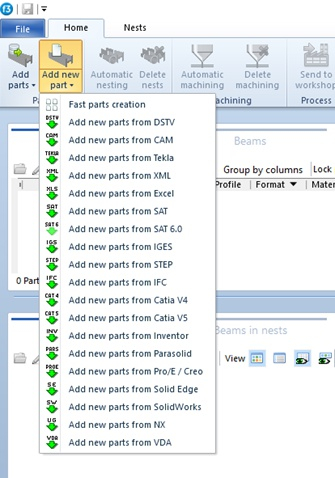
- Lantek Flex3d Tubes Plus can handle geometry (3D models) imported in various formats such as STEP, IGES, XML, and others.
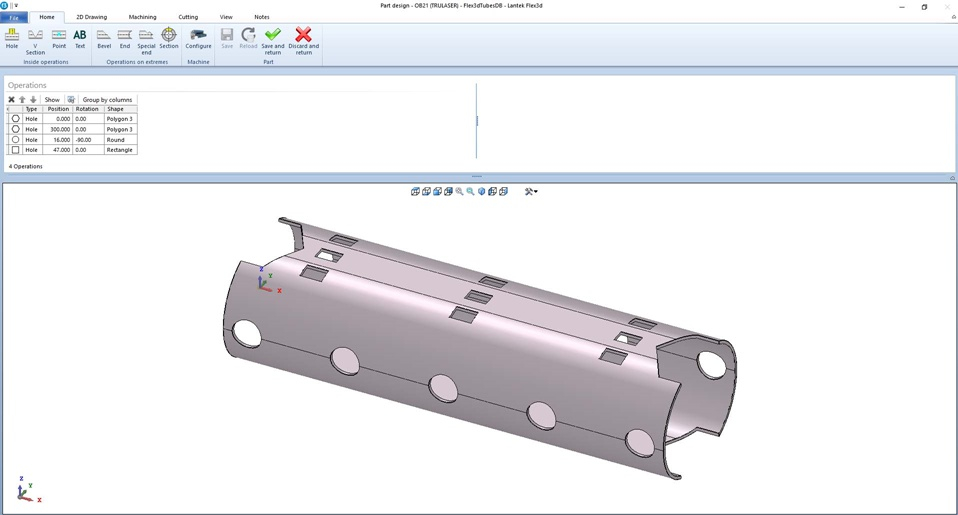
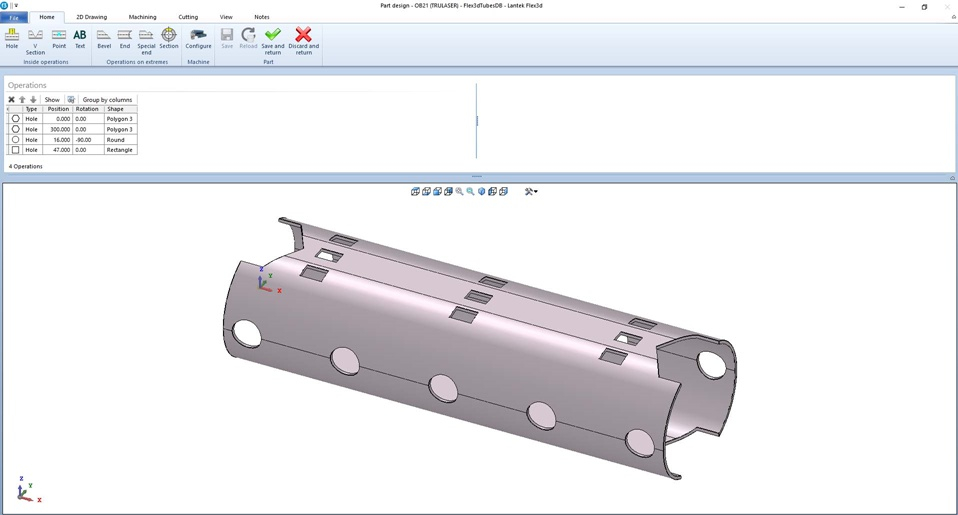
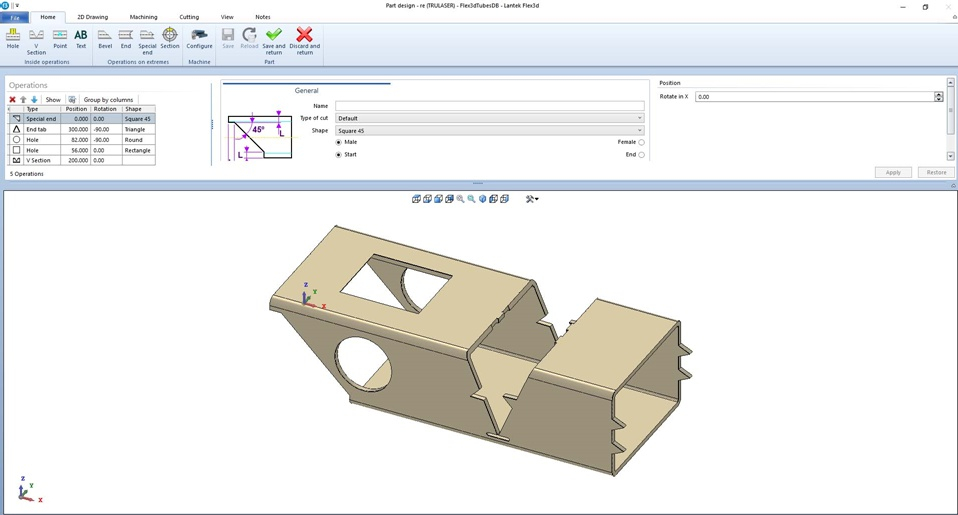
- The software also allows simple and intuitive 3D design of closed profiles and tubes.
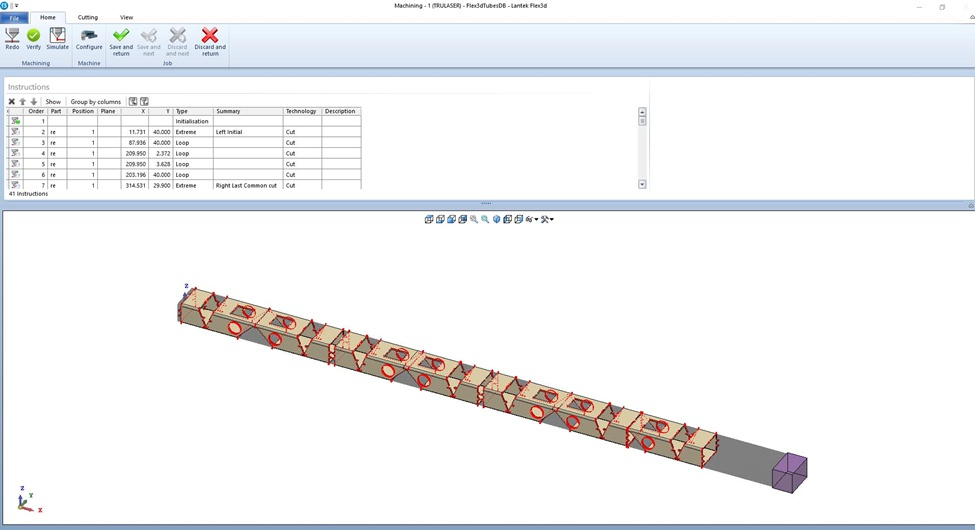
- Clear visualization of the final part and how it will be cut on the machine is available.
- It is a parametric system, allowing users to modify values of all previously performed operations, including initial parameters for each tube or profile (lengthening, shortening, diameter changes, etc.).
Once the import/design phase is complete, the user can optimize part placement into the raw material (nesting into profiles) and simulate the cutting head path. The software then automatically generates the NC program, ready to be sent directly to the machine.
Technical Features
- Displays the exact profile shape and simulates the process in 3D, reducing the risk of errors.
- Shows machining simulation, including expected final part shape.
- Allows easy editing and manipulation of the model using intuitive controls (rotate, move, zoom).
- Offers the creation of standard shapes based on common requirements.
- Enables the design of profile and tube shapes (intersections, holes) using 2D outlines.
- Supports designing or importing required geometry for profiles and tubes, allowing any type of cut or end processing with 2D design options.
- Fully integrable with Lantek ERP systems: Lantek Manager and Lantek Integra.
- Localized in multiple languages, including Czech.
Design Options
- Complete or partial end processing of tubes.
- Creation of any type of outline (round, rectangular, triangular, etc.) and intersections projected on one or both planes at any point of the tube at any angle.
- Various copy options for elements and operations (linear, circular, grid).
- Graphical identification of intersections (nodes) and operations with automatic calculation of trajectories for tube and profile intersections.
- Editing of operations with clear menu representation (tree view, list).
- Material thickness compensation.
Import Options
- 3D model import capability.
- Automatic model loading and analysis (one part per model).
- Typically one selected importer included; other importers available as options.
Tube and Profile Nesting and Cutting
- Lantek Flex3d Tubes Plus enables optimal nesting of tubes and profiles and generates the NC file for the machine.
- Optimization is complemented by automatic import of parts and raw materials from stock or calculation of required quantities (for planning).
Additional Functions
- Management and processing of remnants.
- Stock module and options for repeat production.
- Automatic, semi-automatic, or manual 3D nesting.
- Automatic or manual lead-in and lead-out generation.
- Common cuts, bridges, etc.
- Optional automatic part marking (text labels).
- Support for machines with varying numbers of axes.
- Universal environment for editing the machining process, viewable in 2D or 3D.
- Tool and machine model visualization.
Simulation and CNC Generation
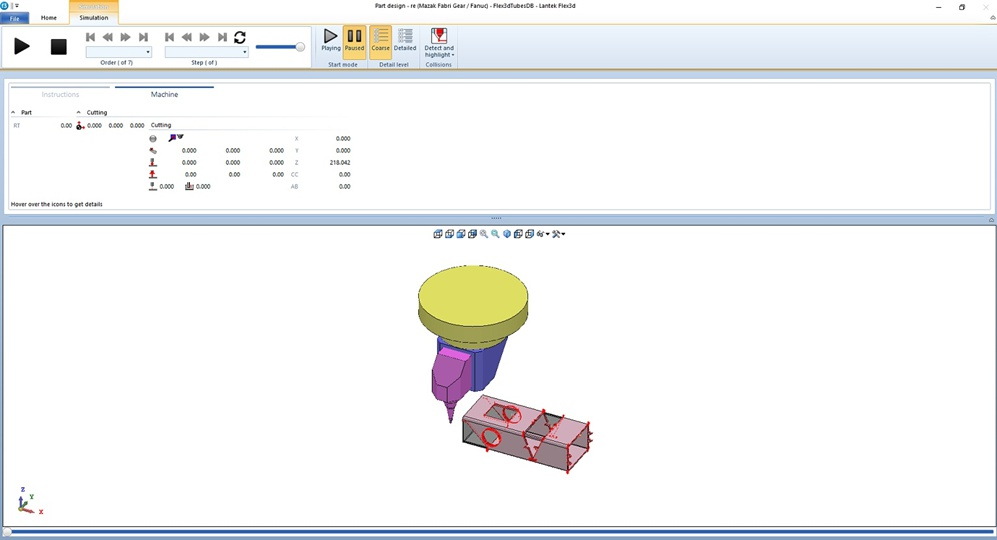
- The system allows simulating machine paths and operations on profiles/tubes, including edge cuts.
- If the simulation is collision-free and approved by the user, Lantek Flex3d Tubes Plus automatically generates the NC program file.
- Design and subsequent processing information are integrated in the same environment.
- Provides fully interactive simulation: step-by-step, forward, backward, pause, and restart.